
PDF Tools [All In one] - High Quality PDF Tools | Next.js React Web Application
![PDF Tools [All In one] - High Quality PDF Tools | Next.js React Web Application](https://prepaid.work/storage/uploads/202606/pdf-tools-all-in-one-2.png)
Launch Your Own PDF Tools Platform
PDF Tools is a production-ready, full-stack web application built with Next.js — A React Framework. It gives you everything you need to launch a fully functional, free-to-use PDF tools platform — the kind your users will bookmark and return to daily.
Whether you’re a developer building a client project, an entrepreneur entering the online tools market, or a business that needs an internal document processing hub, this is your fastest path from idea to live product.
Why Buyers Choose This Over Building From Scratch
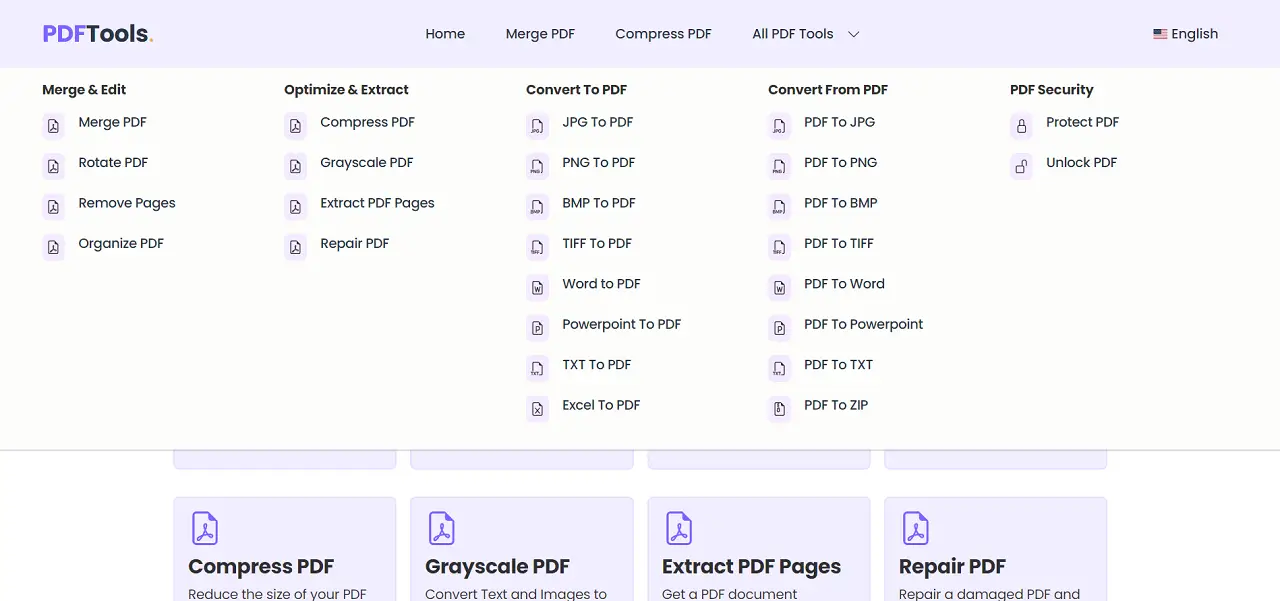
- 26 PDF tools included — covering conversion, editing, organization, and security, all in one codebase.
- AdSense compatible — turn your traffic into revenue — simply add your ad scripts and start earning with display ads (ad scripts not included).
- SEO-ready out of the box — built with an SEO friendly framework, optimized page structure and multi-language support to help you rank in search engines.
- Clean, modern UI — fully responsive, works on all major browsers and devices without any extra configuration.
- Actively maintained — regularly updated with bug fixes, dependency upgrades, and new features since 2023.
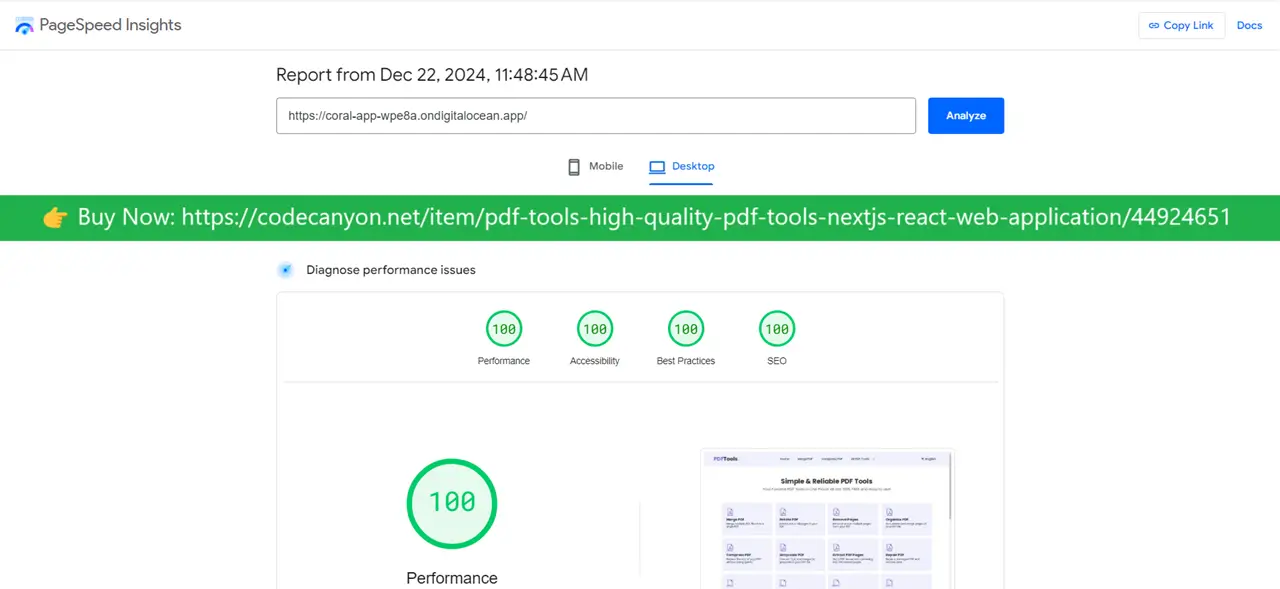
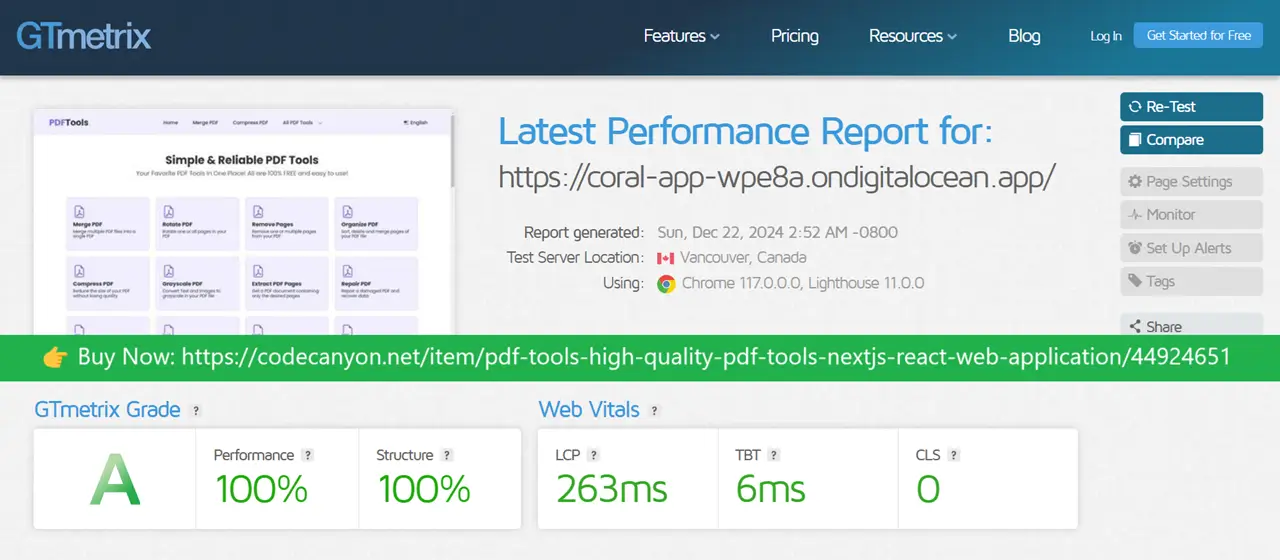
Performance Benchmarks
All 26 PDF Tools — Organized by Category
Organize & Edit
- Merge PDF — Combine multiple PDFs into a single document.
- Organize PDF — Drag-and-drop page reordering to create a custom layout.
- Remove Pages — Delete specific pages from any PDF.
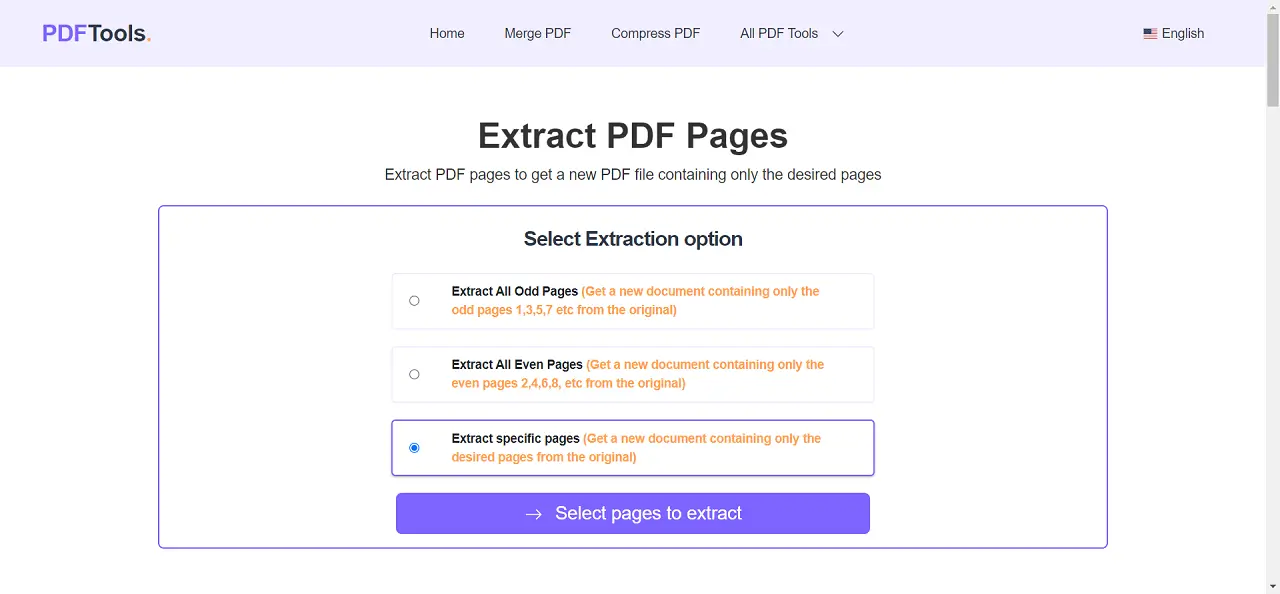
- Extract Pages — Pull out selected pages into a new standalone PDF.
- Rotate PDF — Fix page orientation across an entire document or specific pages.
- Grayscale PDF — Convert color PDFs to grayscale, ideal for print optimization.
- Repair PDF — Recover and fix corrupted or damaged PDF files (limited repair scope).
Compress & Secure
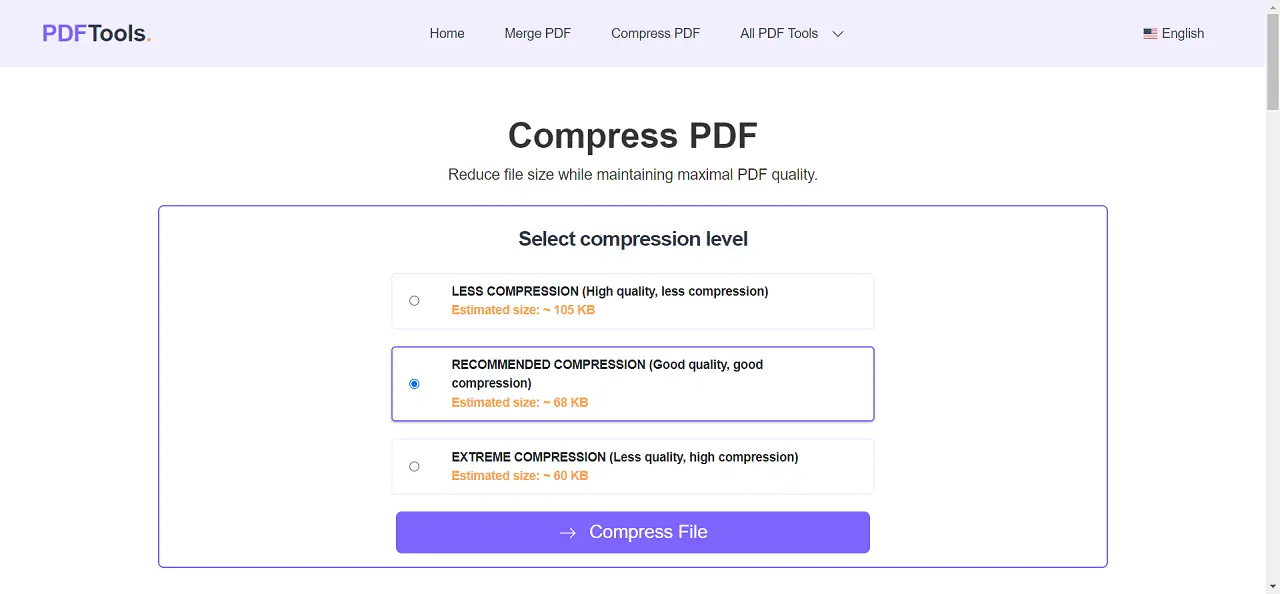
- Compress PDF — Reduce file size significantly while preserving readability.
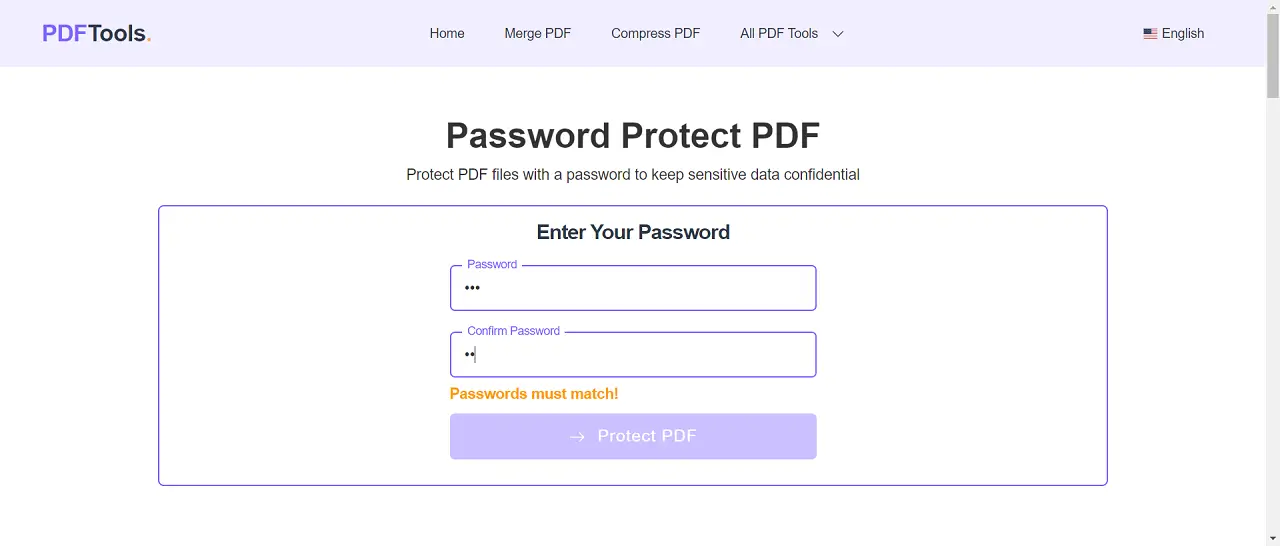
- Protect PDF — Add password protection to prevent unauthorized access.
- Unlock PDF — Remove password protection from PDFs you own.
Convert to PDF
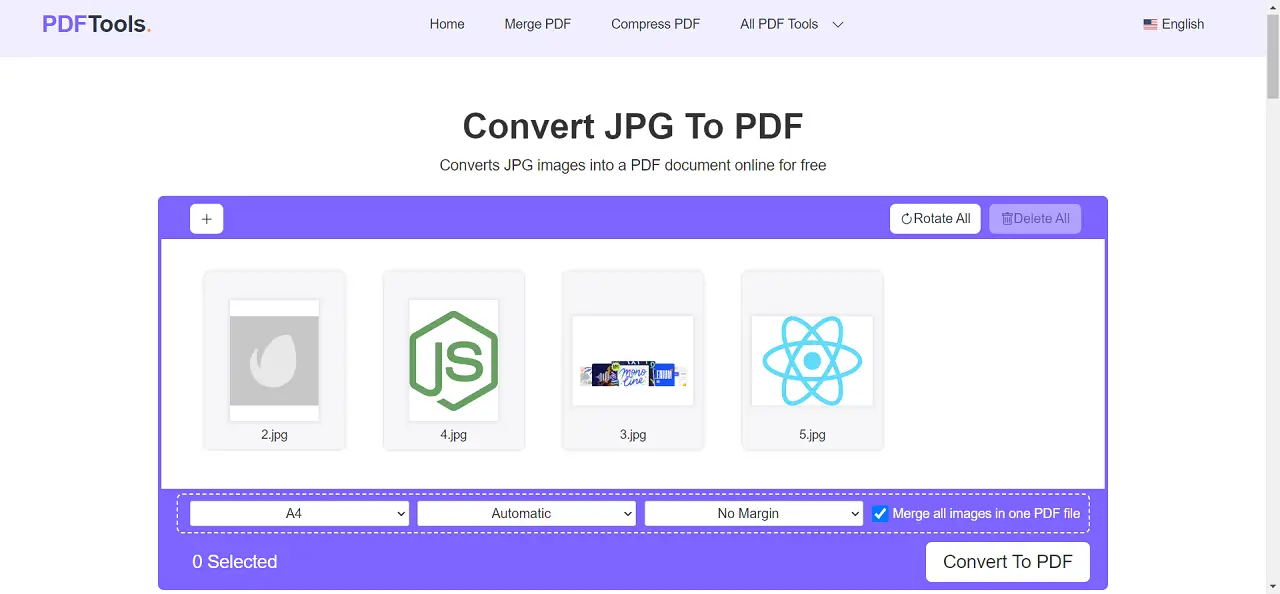
- JPG to PDF
- PNG to PDF
- BMP to PDF
- TIFF to PDF
- TXT to PDF
- Excel to PDF
- Word to PDF — Text conversion; formatting and images are not fully preserved.
- PowerPoint to PDF — Slide conversion with partial layout support.
Convert from PDF
- PDF to JPG
- PDF to PNG
- PDF to BMP
- PDF to TIFF
- PDF to TXT
- PDF to ZIP
- PDF to Word — Extracts text only; images and formatting are not preserved. Some fonts are not supported
- PDF to PowerPoint — Partial conversion with limited layout fidelity.
Platform Features
- Security: Uploaded files are automatically deleted from the server after one hour.
- Configurable file size limits per tool — adjust to fit your server capacity.
- Cross-Origin Policy — prevents unauthorized external API access.
- Multi-language support with Right-to-Left (RTL) layout compatibility.
- Google Analytics ready — plug in your tracking ID and go.
- cPanel & Docker support — flexible deployment across VPS and Cloud hosting environments.
- Full page set: Home, About, Terms & Conditions, Privacy Policy, and Contact.
- All browsers supported
Technology Stack
- Language: JavaScript
- Framework: Next.js (React)
Important — Production Setup
For the latest version to work correctly in production, you must set the NEXT_PUBLIC_APP_URL environment variable (and optionally NEXT_PUBLIC_APP_URL_WWW) in your next.config.js to your site’s full URL — e.g., https://example.com. These values control which origins are permitted to call your API.
Documentation
Complete documentation is available here: View Documentation
Change Log
Source code is actively maintained. Always use the latest released version to ensure optimal performance, security, and feature quality.
Customer Reviews
No reviews yet.
Secure Checkout
24/7 Support
 WhatsApp Me
 Email Me
 Call Me